iPhone
Native iOS app on the App Store. Habits, workout, nutrition and goals in your pocket, synced with the desktop app.
Download Organizr
DOWNLOAD
Choose your platform and install Organizr on iPhone or desktop. The same hub for personal planner, habit tracker and progress, synced between phone and computer.
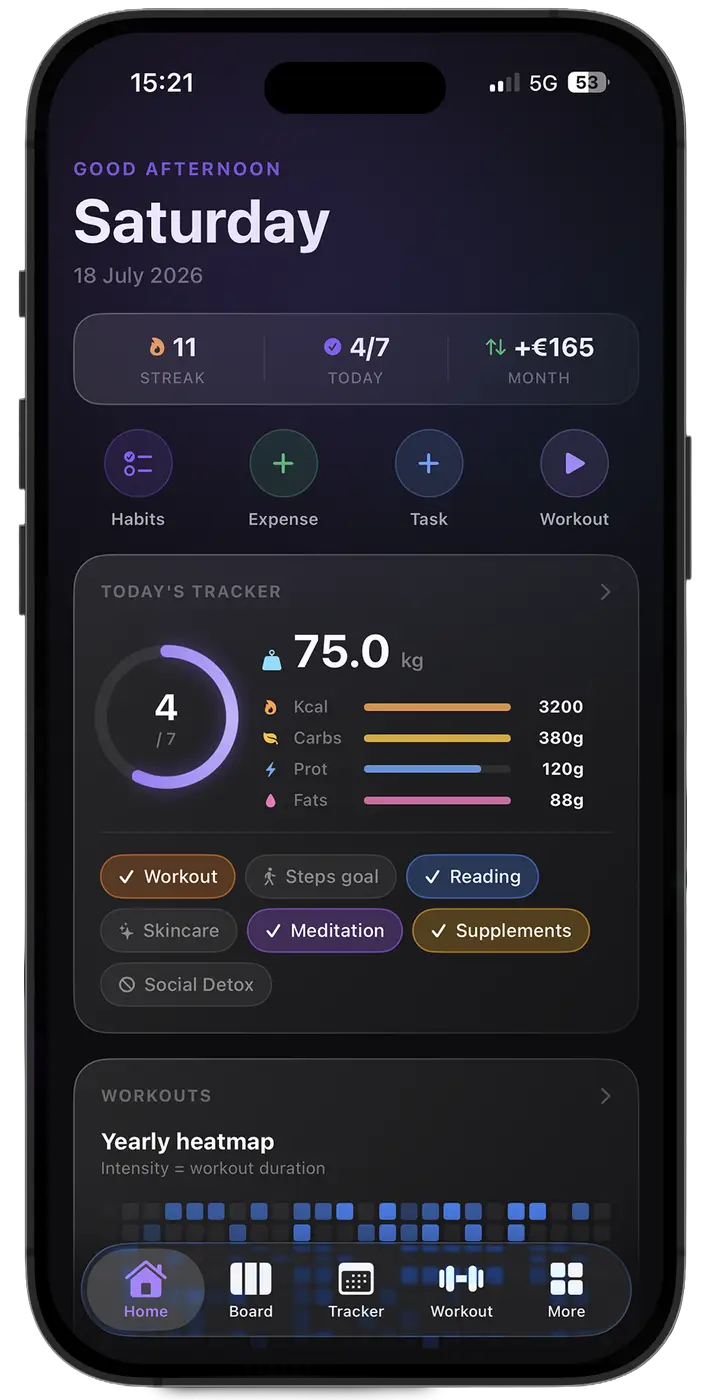
Native iOS app on the App Store. Habits, workout, nutrition and goals in your pocket, synced with the desktop app.
DownloadDesktop version for macOS. Perfect for managing tasks, routines, planner and progress from one single space.
DownloadDesktop version for Windows. All Organizr features running locally, with quick access to your daily workflows.
DownloadYes. Organizr Lite is free on every platform and includes the full Tracker, the food diary, a kanban board, workout routines, recipes, subscriptions and a wallet account. You can upgrade to Pro or Lifetime later from inside the app or from the pricing page.
macOS 12 or later, on both Apple Silicon and Intel Macs. Pick the build that matches your chip on this page.
Windows 10 and Windows 11. On first launch Windows may show a Defender SmartScreen warning because the installer is new; the Windows installation guide explains how to continue safely.
Your data lives on your device, so the app works with your own local data. A connection is needed for sync between devices, for Organizr AI and for the Hevy and FatSecret integrations.
Sync keeps diary entries, completed workouts, meals and Time Analyzr blocks encrypted on the server for 90 days from the event date. Goals expire 90 days after their quarter ends. Complete Wallet history, Board, subscriptions, measurements, recipes, routines and settings are exceptions with no automatic expiry. Expiry removes only the server copy; data stays on your devices. See the Privacy Policy for the full list.